German documents (qweb updater): Product description
The German Documents module from much. Consulting contains changes to all German documents sent externally to ensure compliance with German regulations. Changes apply automatically upon module installation and configuration can be applied to match your business needs.
Key features:
✅ Includes the most important document types of daily business operations:
- Quotations
- Order confirmations
- Delivery note
- Pro forma invoice
- (Down payment) invoices
- Order requests
- Purchase orders
- Purchase agreement
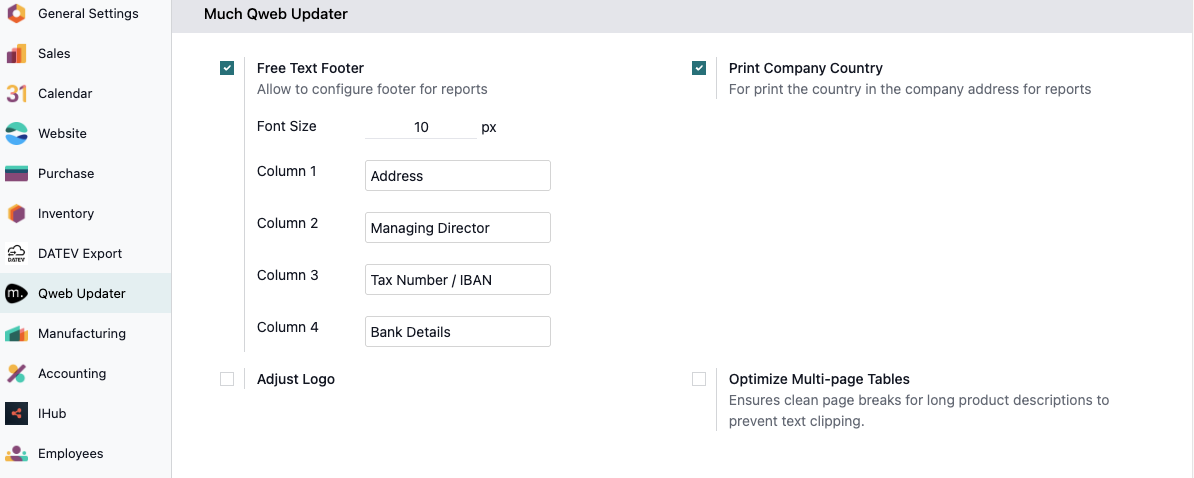
✅ Customised and configurable footer with:
- Company address
- Managing Director
- Commercial register number
- Bank details
- tax number
- Sales tax identification number
- Alternative: Possibility to design the footer completely individually using 4 HTML fields
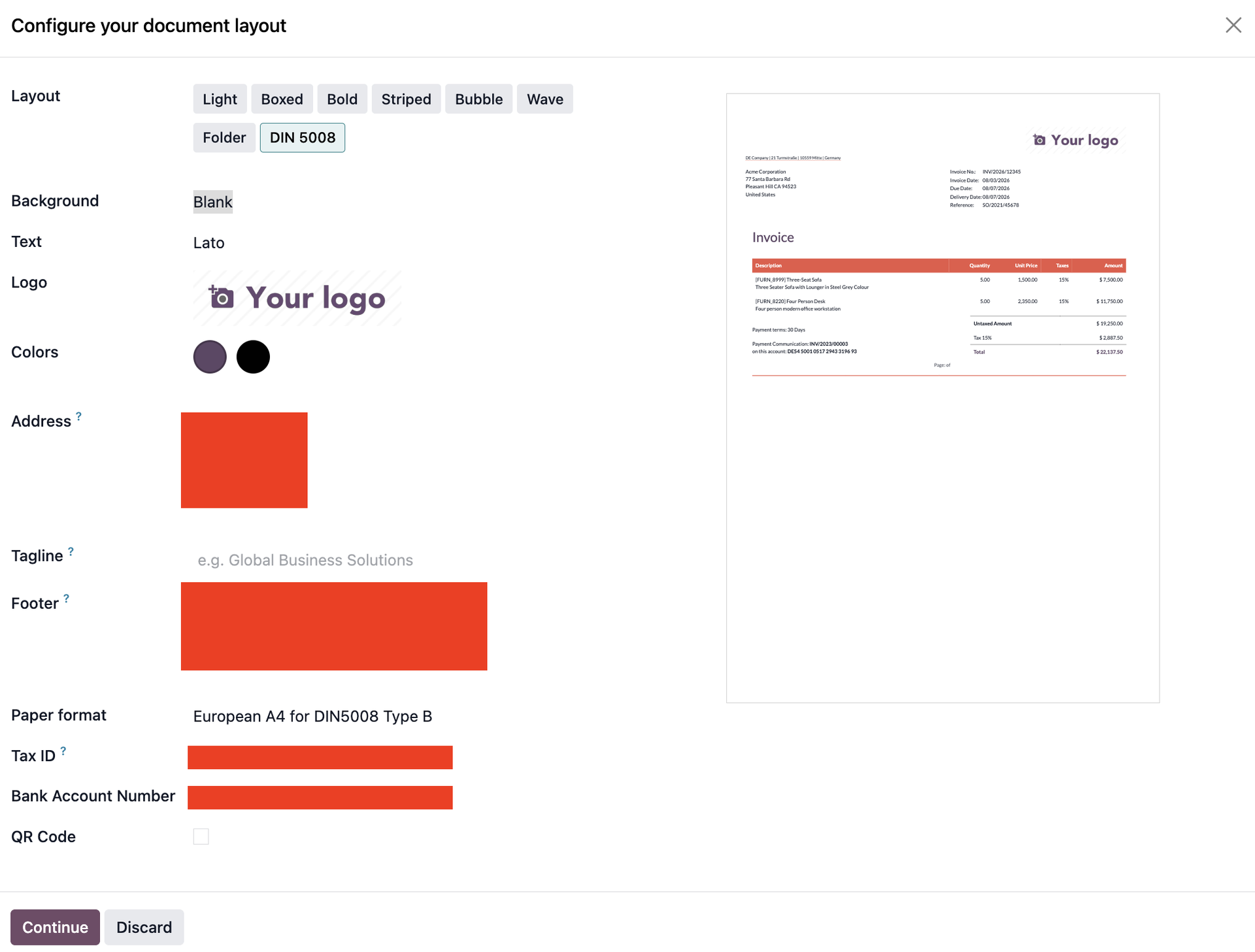
Screenshot shows the configuration menu for the document layout
✅ Item numbers for quotation/order/invoice lines
✅ Customised header area with additional information:
- Reference
- Invoice number
- Order number
- Customer number
- Customer tax identification number
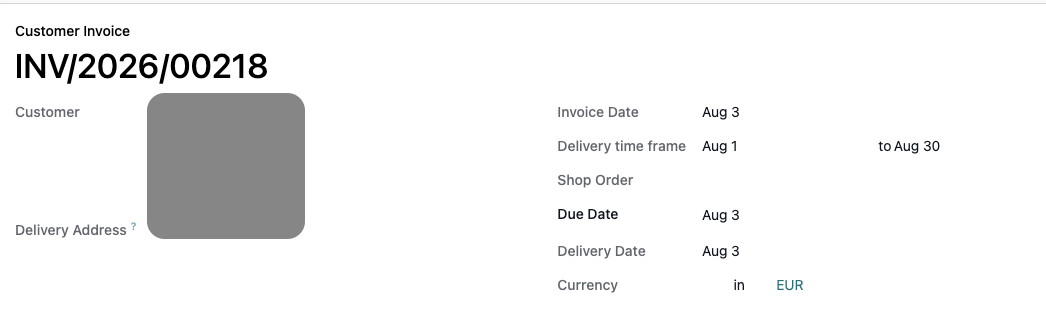
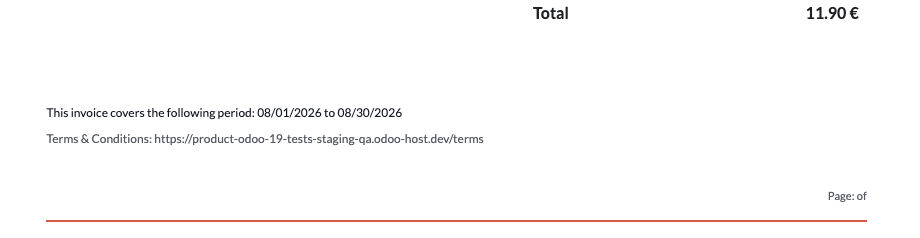
- Invoicing period
- Performance period
Screenshot shows the Delivery time frame fields on the invoice form
✅ Individual size and position configurable company logo
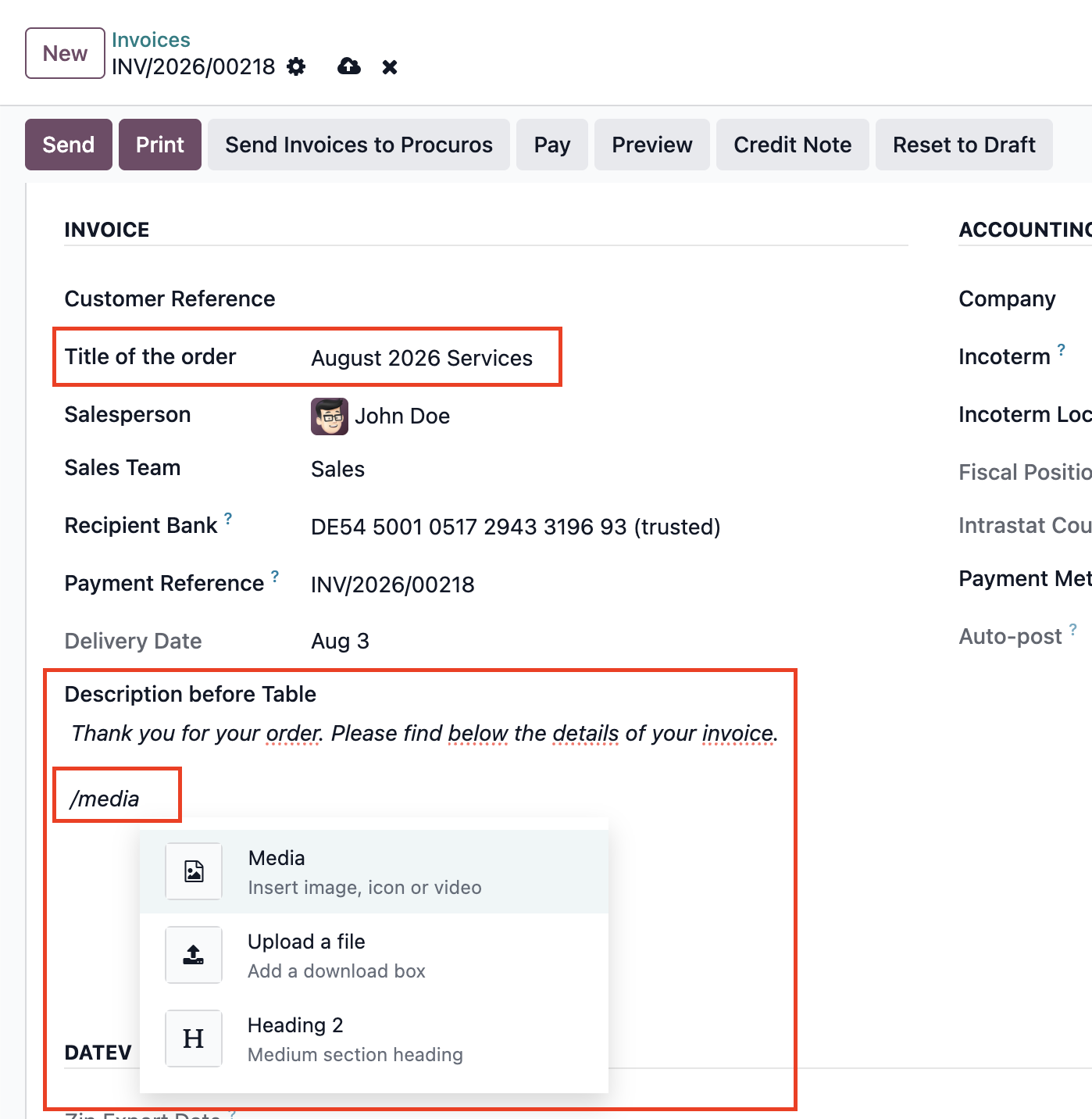
✅ Possibility to add something to the title of the document
✅ Possibility to place a text in front of the position table. The field is HTML, so images, tables etc. are possible.
Screenshot shows the fields in which additions can be made to the document title and texts, images and tables can be placed in front of the position table.
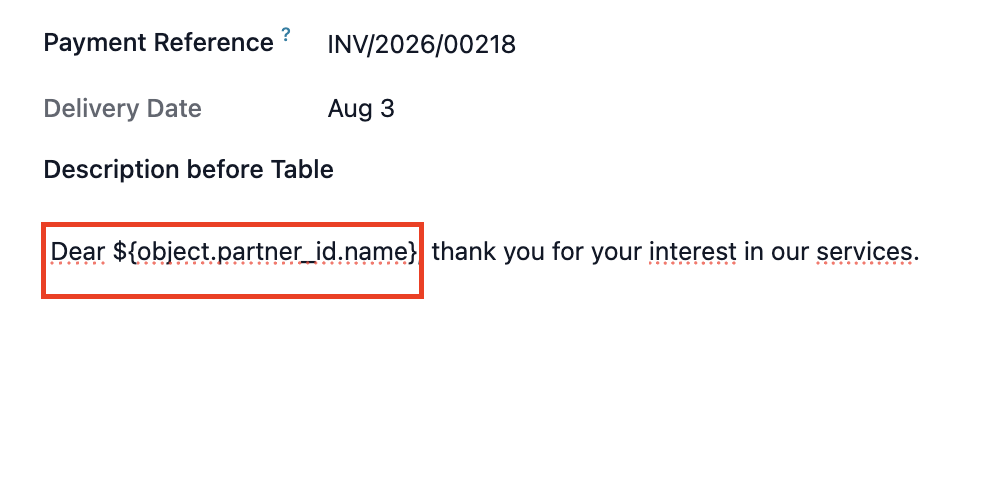
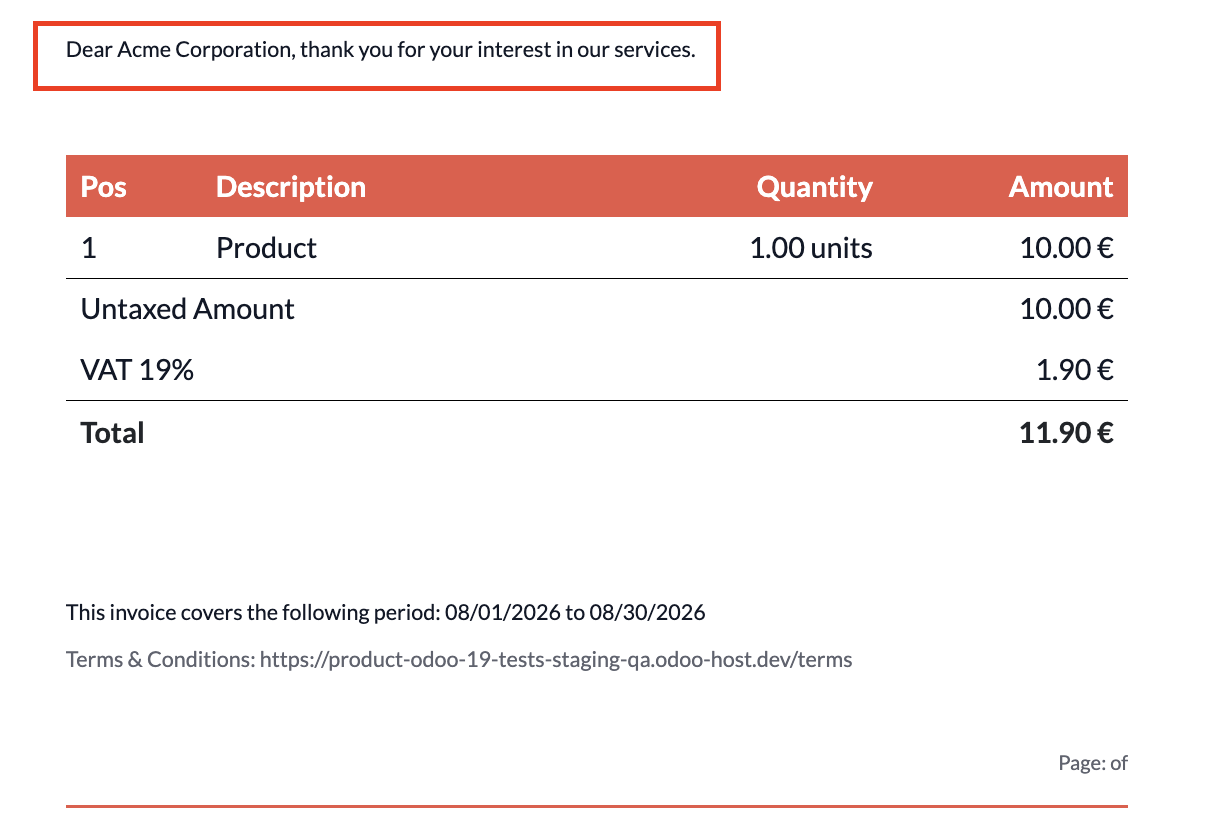
✅ Use of variables possible
Screenshot shows an example of using variables
Screenshot shows how the variable is resolved for a specific customer
✅ Multi-client capability
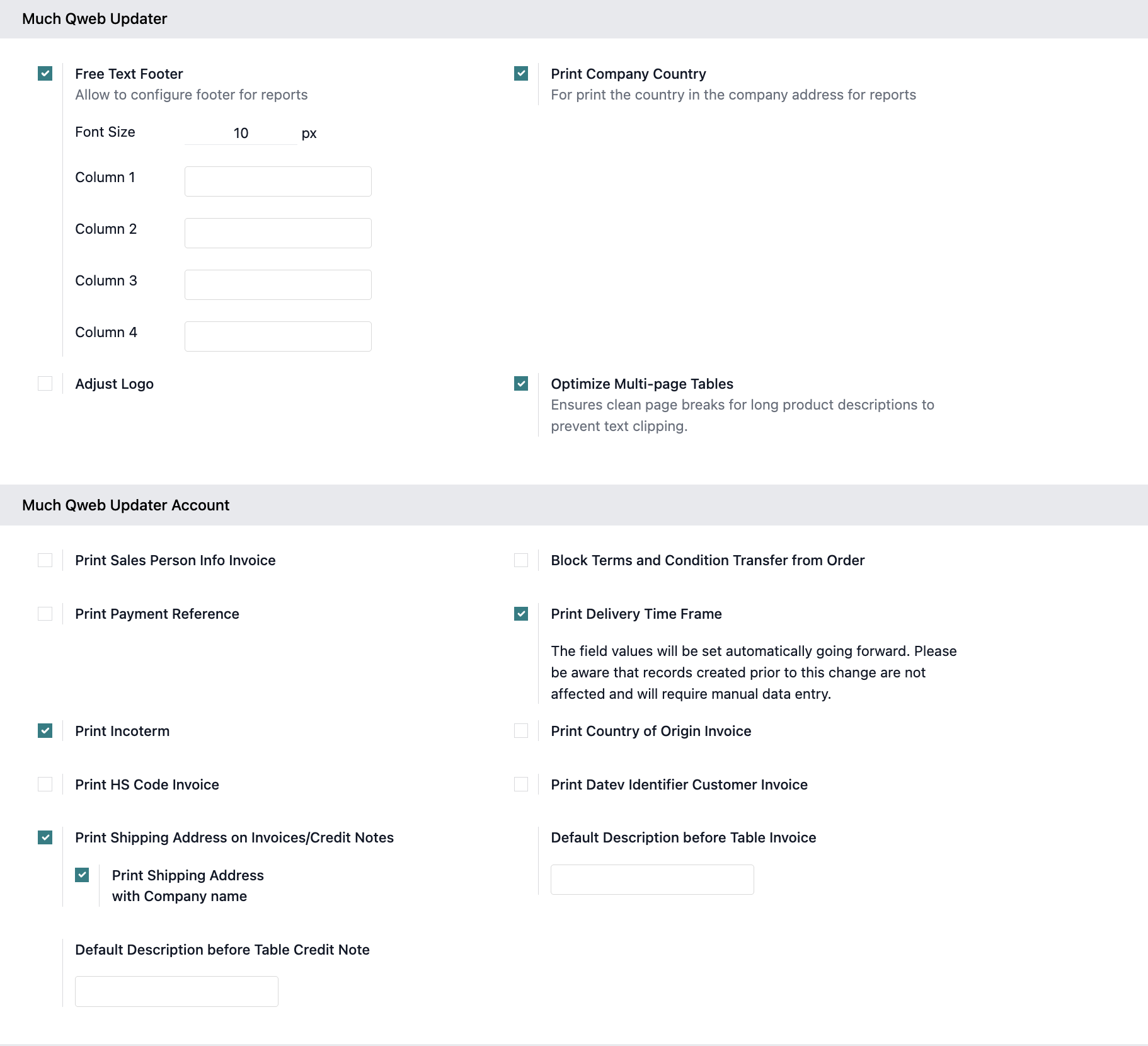
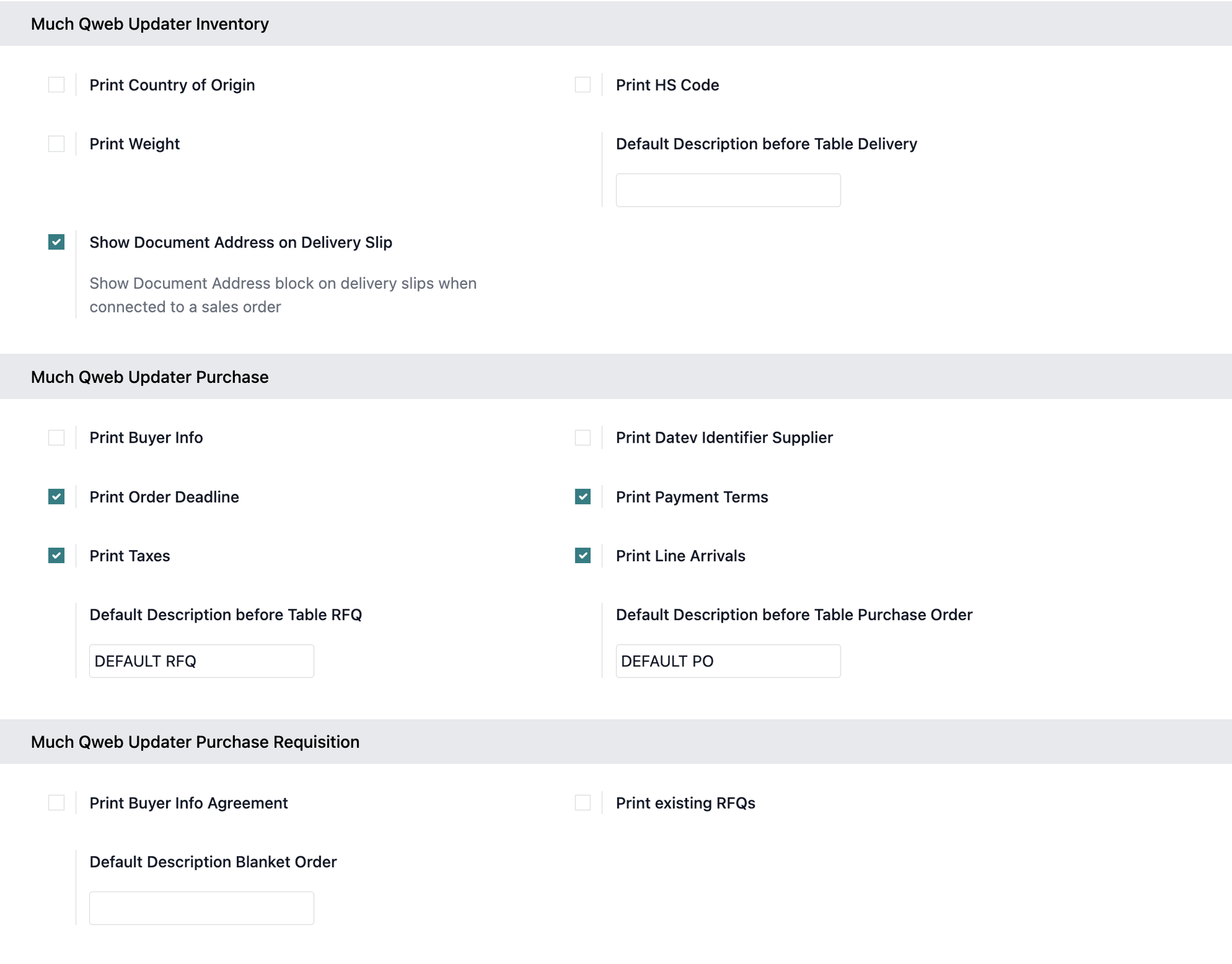
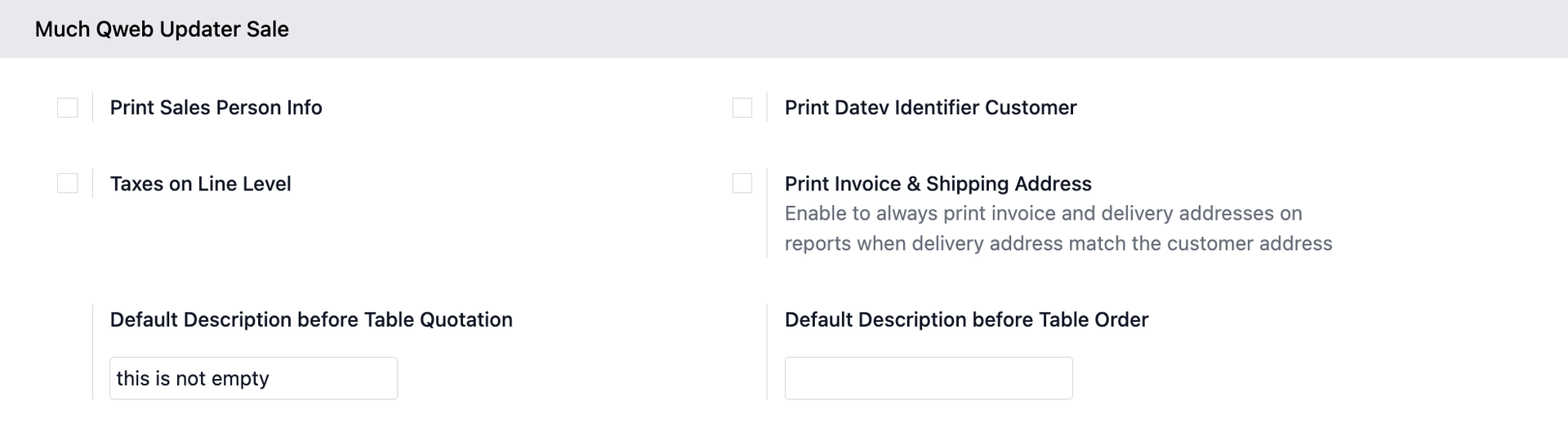
✅ Configuration cockpit to set standards for the "Description before tables" or to enable fields that are sometimes required
Screenshot shows the configuration cockpit - Much Qweb Updater and Much Qweb Updater Account sections
Screenshot shows an example of the standard Odoo DIN 5008 document layout
Screenshot shows an example of the Much QWeb Updater document layout
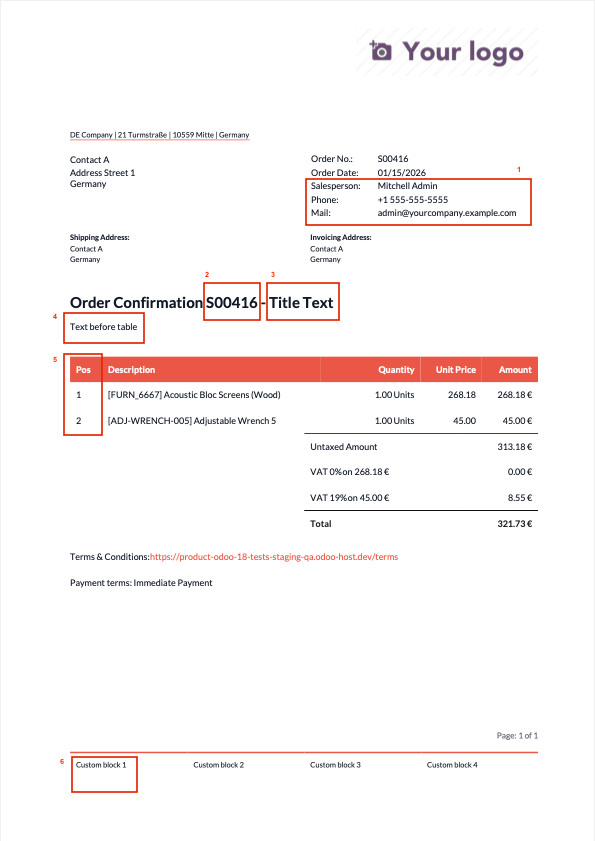
Differences between the examples:
- (1) Possibility to display contact details of the seller
- (2) (3) Order number in title line and possibility to write something about it
- (4) Configurable text above of the table
- (5) Item number in rows
- (6) Possibility to configure the document footer with writable blocks